How to catalogue your home book collection
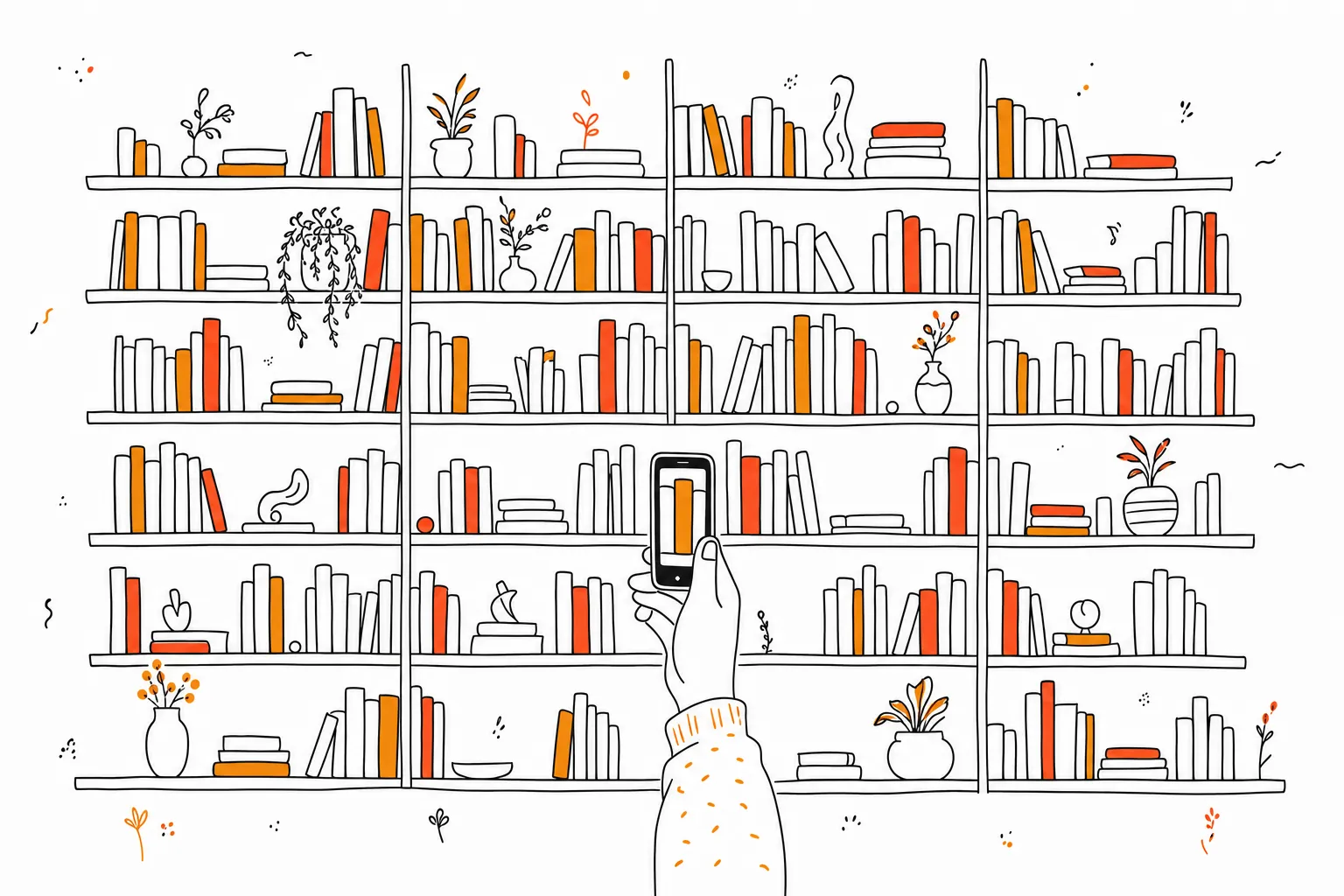
Scan the barcode on the back of each book with your phone. A barcode is an ISBN, an ISBN identifies the exact edition, and a scan pulls in the title, author, cover and page count in about two seconds per book. A shelf of a hundred books takes roughly half an hour, which is the difference between a catalogue you finish and one you abandon at the letter C.
Decide what the catalogue is for
Two different jobs get called cataloguing, and they need different amounts of work. One is knowing what you own, so you stop buying a second copy of a book you already have in a box. The other is knowing what you own and what you have read, which is a reading tool rather than an inventory.
The first needs only titles. The second needs a shelf state per book, which is a few extra seconds each and considerably more useful later. If you are already spending the afternoon, do the second.
Why scanning beats typing
Typing a title and author is about twenty seconds a book, plus the time spent choosing between editions. Scanning is two, and it resolves the edition for you, so the page count is the page count of the copy in your hand.
That difference decides whether the project finishes. Four hundred books at twenty seconds each is over two hours of typing, and most people stop somewhere in the second hour. The same four hundred scanned is around fifteen minutes of actual work spread across a few sittings.
The books a scanner cannot help with
ISBNs became standard around 1970, so anything older has no barcode at all. Second-hand shops and inherited shelves are full of these, and they need a title-and-author search with attention to the publication year.
A few other cases are worth knowing. Book club editions and some imports carry barcodes that resolve to a different edition or to nothing. Damaged or price-stickered barcodes fail to read, in which case the ISBN is usually printed as a number near the copyright page and can be typed in directly. Very old or self-published titles may not be in any database, and those are the ones you add by hand.
Keep it current after the first pass
A catalogue is only trustworthy if it matches the shelves, and it stops matching the first time you buy a book and do not add it.
The habit that works is scanning at the point of acquisition: in the shop, before the book joins the pile. It takes two seconds and it removes the need for a second cataloguing afternoon next year. Books you lend out are the other common drift, so note the borrower somewhere if you lend often.
Get the data out
An afternoon of scanning is real work, and it should not live in one app that could stop being maintained. Export the collection once it is complete and keep the file.
A CSV export also lets you do things the app itself does not, such as sorting by publication decade in a spreadsheet, or checking your own shelves against a library catalogue. tome. exports your full library for exactly this reason.
Questions
Can I scan several books at once?
No. Barcode scanning is one book at a time, though in practice it is fast enough that a shelf goes quickly. A rhythm of pull, scan, replace is quicker than stacking books first.
Should I catalogue books I have not read?
Yes, and mark them as unread. The unread portion of your own shelves is the most immediately useful reading list you have, since every book on it is already in the house.
Keep reading
How to organize your TBR list
Split it into a short shelf you read from and a long list you shop from, then purge on a schedule.
GuideHow to export your Goodreads library
Get the CSV in four steps, see which fields survive, and move shelves, ratings and dates into a new tracker.
GuideHow to keep track of books you've read
Notebook, spreadsheet, or app: what each option costs in effort, and how to start a log that survives past February.